Profile audit
We check every profile: who owns it, who has access, what it says and what is missing.
We check your Google Business Profile, Facebook and Instagram, get your access back and set them up with the right details, so people find you and call the right number.
Before they open your website, many people see your listing on Google Maps or your Facebook Page. If it shows old opening hours or a phone number nobody answers, they call the next business on the list.
In many cases the profiles were set up by a former employee or by an agency you no longer work with, and nobody at the company can log in to them. That is why we start with an audit: who owns each profile, who can change it and what it says. Then we get your access back and set the profiles up.
After the audit and setup, you decide what your profiles say and who manages them.
On a free call we work out what you need.
All your company's profiles are tidied up and linked to each other.
We check every profile: who owns it, who has access, what it says and what is missing.
The company becomes the owner, and staff and agencies get only the roles they need.
We fill in your categories, services, hours and photos, so people looking at the map choose you.
We link your Page and your Instagram profile in Meta Business Suite, so you manage them from one place.
We align your details across every profile and your website, so customers never call an old number.
We turn on two-step verification and add a backup admin, so you don't lose the profiles again.
We show you how to update the photos and details yourself whenever your address, phone number or opening hours change.
We handle a single forgotten profile as well as every profile your company has.
You get a written proposal with the timeline and price.
Together we list the company's profiles and who created them. You add us as a manager.
We check the ownership, access, details and links of every profile and tell you what we found.
We transfer ownership to the company, remove admins you don't need and give your team their roles.
We fill in the profiles, align the details and link them to each other and to your website.
We show you how to keep them up to date yourself and remove our access once you no longer need us.


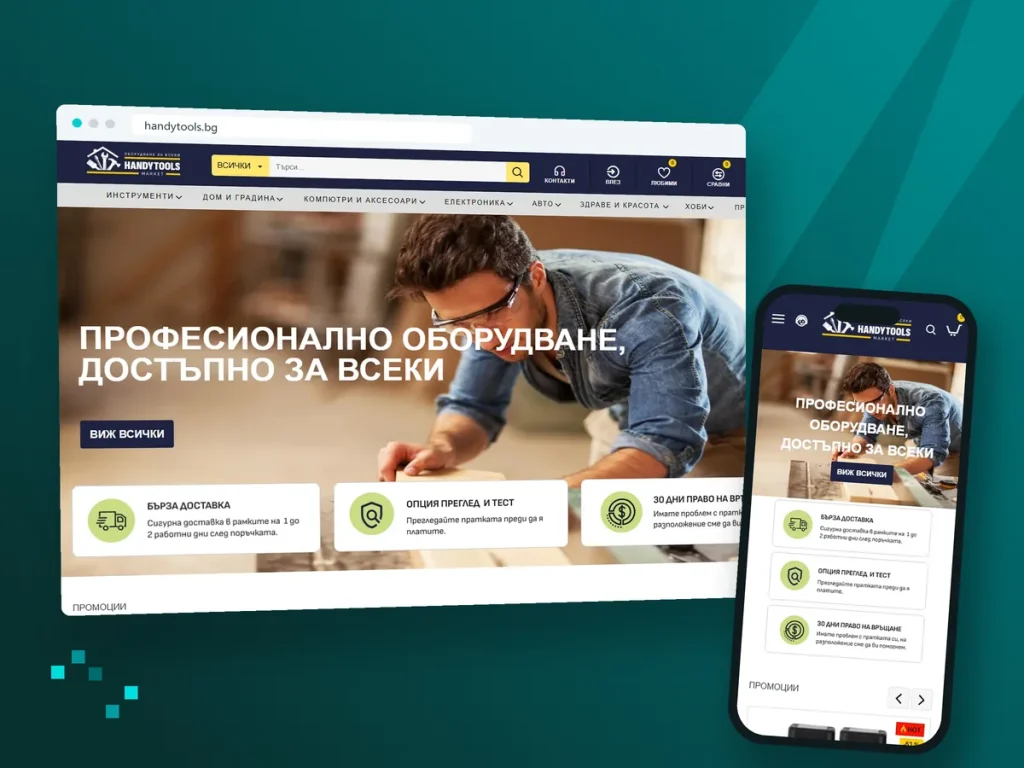



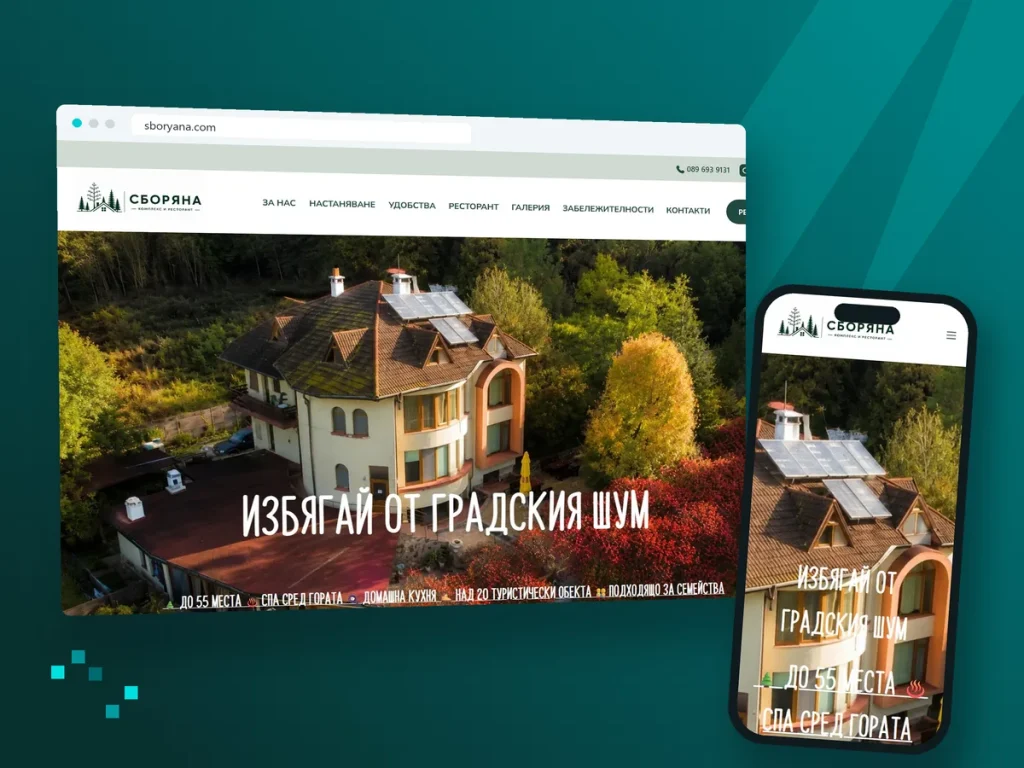
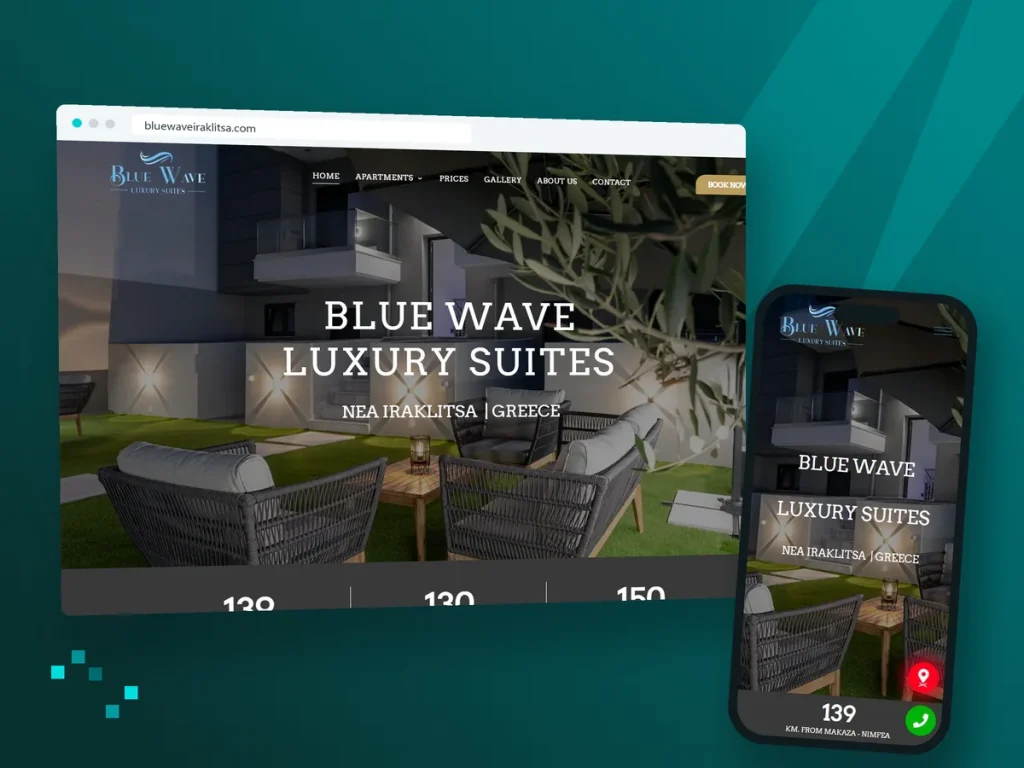
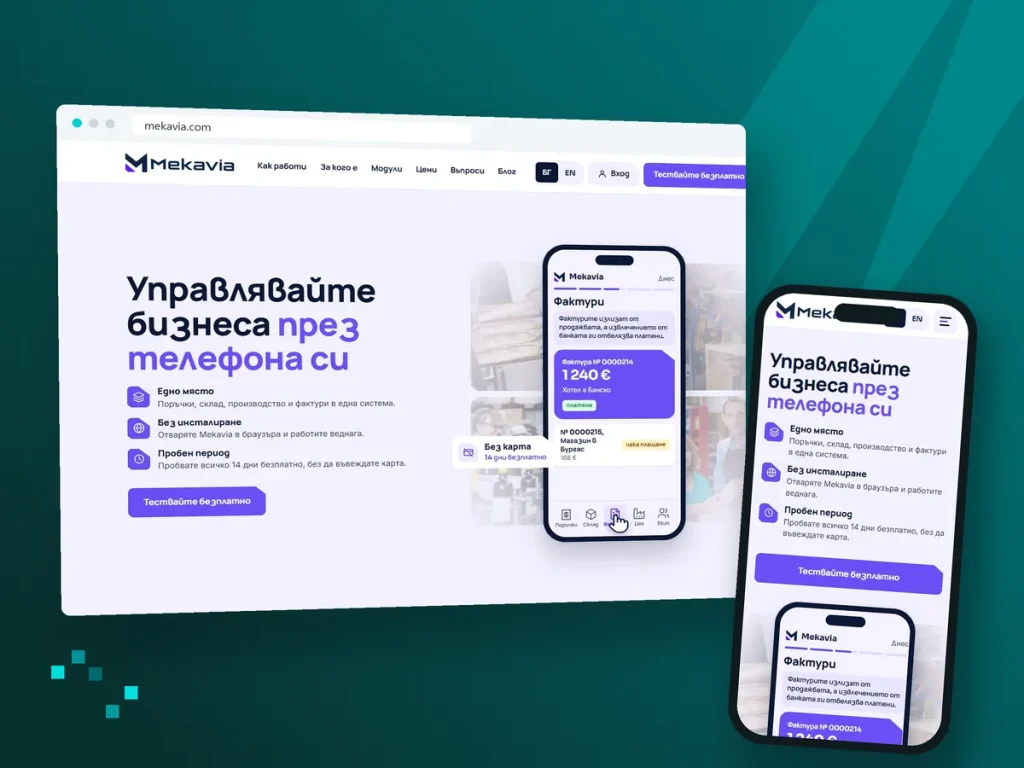


We start work and you always know where things stand.
It depends on who has it now. If it is a former employee or an agency, we ask them to transfer it. If nobody replies, we use Google's or Meta's recovery process, but the final say is with the platform.
No. You add us as a manager of the profiles and remove our access when we are done.
Yes. Google checks that the business really operates at that address, for example with a video of the premises. We prepare you for the check and tell you what Google will ask for.
No. Posting is a separate service: Digital marketing.
No. Here we get your access back and tidy up the profiles once. SEO keeps your Google profile working over time, and ad accounts and the tracking code are part of PPC advertising.
No. Reviews stay, but we show you how to reply to them and how to report a fake review to Google.
By scope, depending on how many profiles you have and what state they are in. After a short call we send a quote that spells out what is included. The quote and the first consultation are free.